

Enhance with AI: prompt library
Thank you for attending the enhance with AI workshop! This is your library of conversation starters to come back to whenever you plan, create, or deliver a data story. Some you’ll recognize from the workshop, and others go further. They all work best alongside the SWD + AI primer. If you need a copy, you can download one below.
Each time you start a new conversation, share the entire PDF with your organization’s approved AI tool first, starting with this prompt:
Review the attached guide from storytelling with data and use these principles when we explore ideas or discuss, review, and create graphs, slides, and presentations. Prioritize simplicity, clarity, and audience focus in all future recommendations.
Each new conversation starts fresh, without the previous context. If your AI tool has a projects feature, you can add the primer to a project, so it’s there for every chat you start within it.
Conversation starters for your AI partner
With the primer shared, you’re ready to bring AI into your process as a thought partner and a collaborator.
Treat these as conversation starters, not formulas. Share your thinking, react to the response, add context, ask follow-up questions, and challenge suggestions. The goal isn’t to craft the perfect prompt, but rather to have a productive conversation that yields better results.
Below is a menu of conversation starters across three stages: plan, create, and deliver. When you plan and deliver, you consult AI as a thought partner that asks questions, challenges assumptions, and surfaces what you might have missed. When you create, you direct AI to draft, build, and strengthen your graphs and slides, then choose what to keep and refine it.
This is a library to return to, so choose the ones that fit the work in front of you and save the rest for another time. Where you see [BRACKETS] in capital letters, swap in your own content. If you’re working through several prompts in one conversation, skip any context your AI already has by deleting that line before you paste.
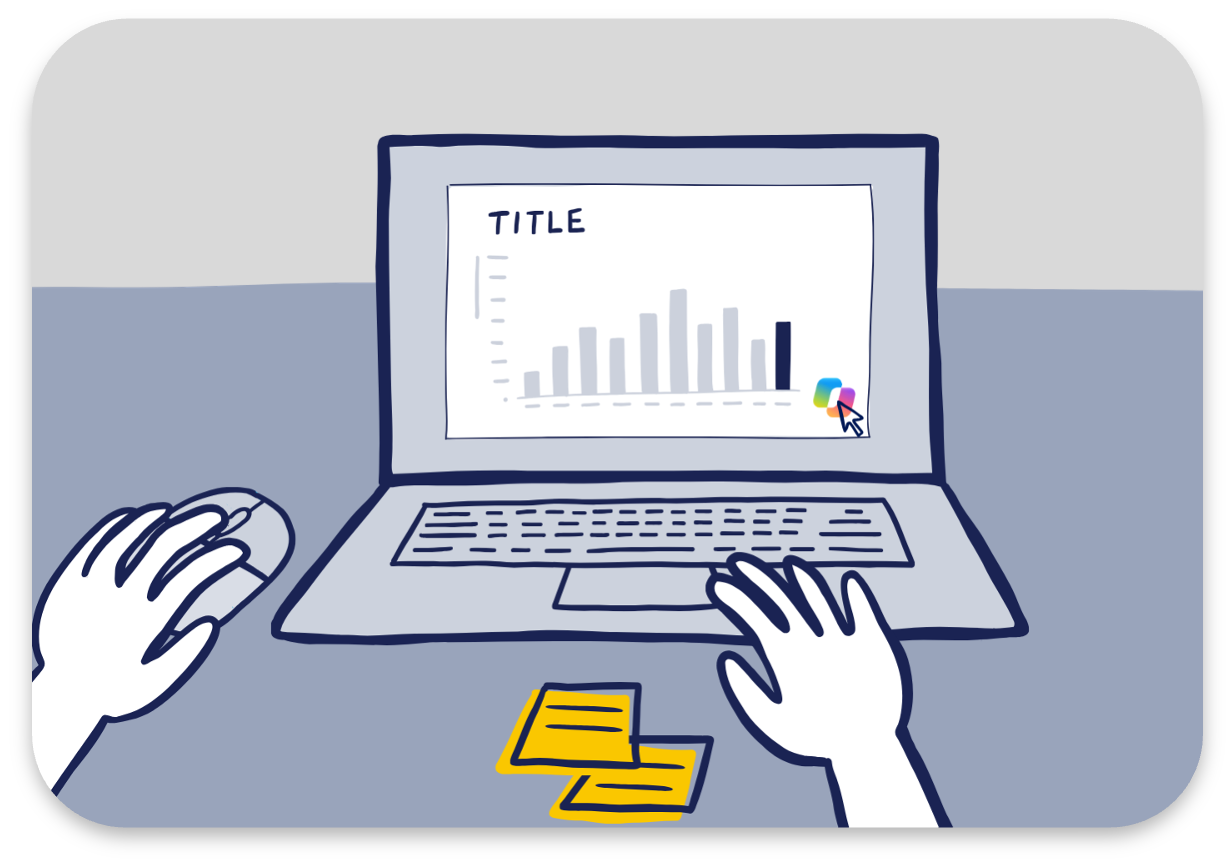
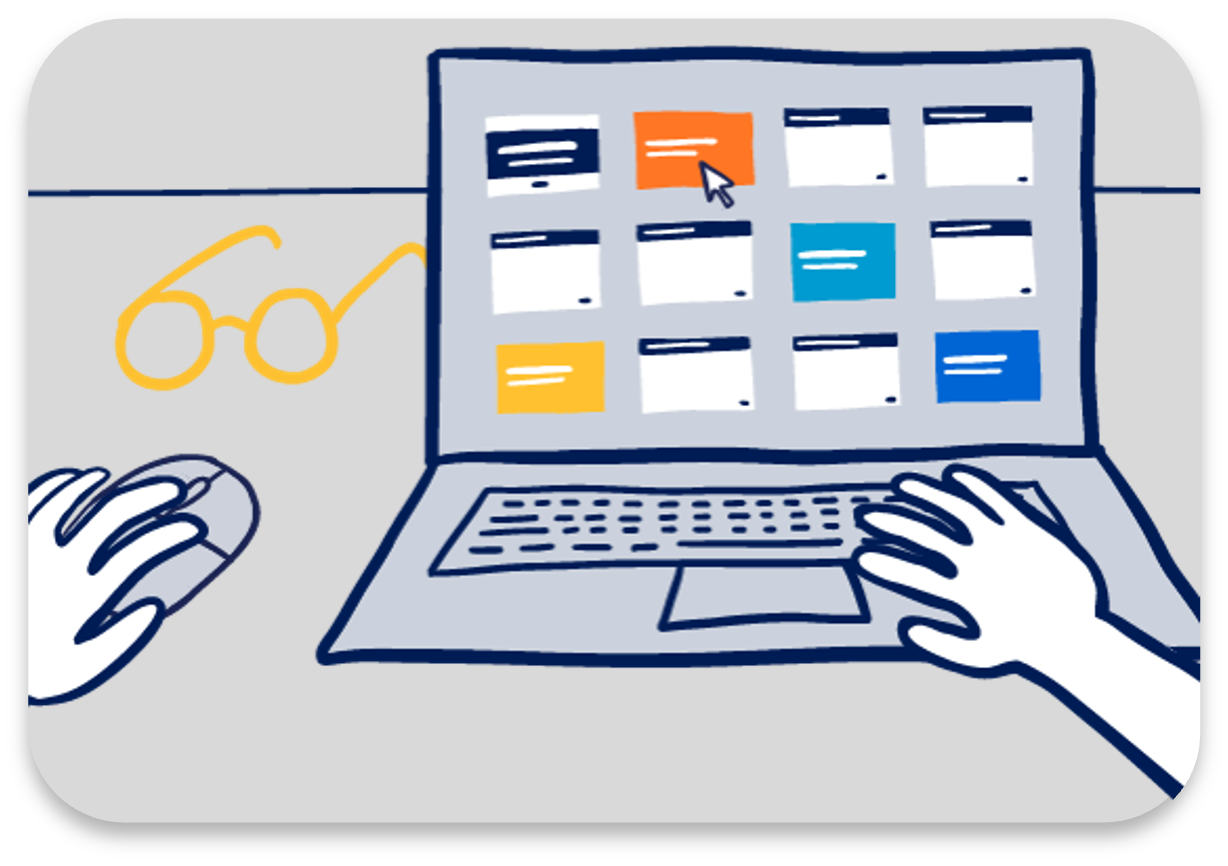
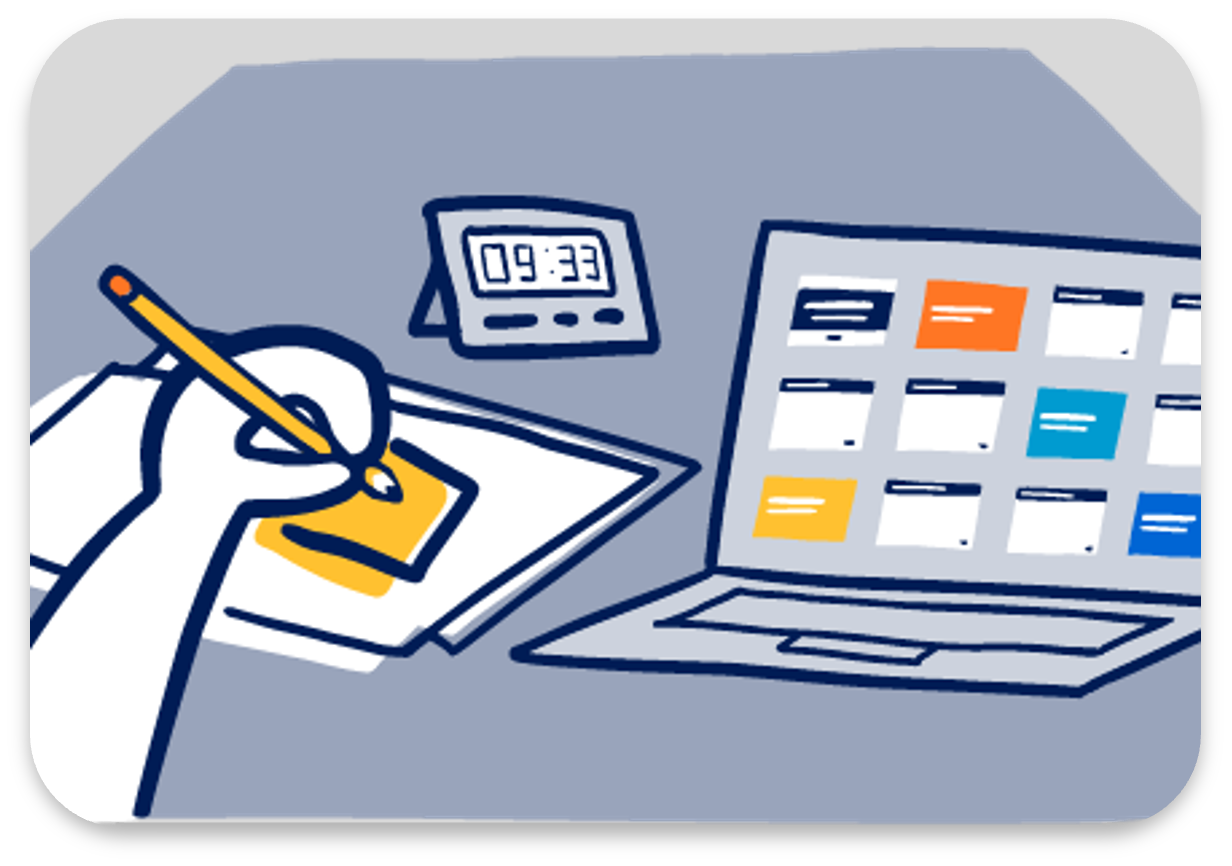
Use AI as a thought partner to challenge your thinking and shape your story.
Use AI to plan
Start with context
Before creating anything, use AI to pressure-test your audience, what’s at stake for them, and the message you want to communicate. Start with the Big Idea worksheet (a free single-page download) or simply describe your thinking. Write your own Big Idea first, then use AI to make it stronger.
Refine your Big Idea
Try this to check that your audience, stakes, and Big Idea fit together
I’m working to refine my Big Idea.
Here’s my context: [SHARE YOUR BIG IDEA WORKSHEET, OR WRITE A COUPLE OF SENTENCES ABOUT YOUR PROJECT, THEN DESCRIBE YOUR AUDIENCE, WHAT THEY CARE ABOUT, THE ACTION YOU NEED THEM TO TAKE, THE BENEFITS IF THEY ACT, THE RISKS IF THEY DON’T, AND YOUR DRAFT BIG IDEA IF YOU HAVE ONE]
Review what I’ve shared and help me think through:
• Does it seem like I’ve identified the right primary audience, or is there a case for thinking about this differently?
• For each person or group, what might they care about that I haven’t listed?
• Is the action I’m asking for clear, realistic, and sufficiently specific?
• Are the benefits and risks I’ve listed meaningful to this audience, and do they connect to the action I’m asking for?
• If I’ve drafted my Big Idea, does it articulate a point of view, convey what’s at stake, and read as a complete, single sentence?
• Do the audience, the stakes, and the Big Idea fit together, or are there gaps between them?
• Before offering feedback, ask me any questions that would help you give better input, one at a time. Please refrain from drafting the Big Idea for now.
Think through the audience
Try this to explore who matters most, what motivates them, and where they might push back
I’m working to understand the audience for my Big Idea.
Here’s my context: [SHARE THE “WHO IS YOUR AUDIENCE?” SECTION OF YOUR BIG IDEA WORKSHEET (OR THE WHOLE WORKSHEET), OR WRITE A COUPLE OF SENTENCES ABOUT YOUR PROJECT, THEN LIST THE GROUPS OR INDIVIDUALS YOU’RE COMMUNICATING WITH, THE SINGLE PERSON YOU’VE NARROWED TO IF YOU HAVE ONE, WHAT THEY CARE ABOUT, AND THE ACTION YOU NEED THEM TO TAKE]
Review what I’ve shared and help me think through my audience:
• If I’ve narrowed to a single person, does that feel logical given my project, or is there someone on my list who could be a more relevant primary audience member? If I haven’t narrowed yet, help me narrow my list to the most relevant primary audience.
• What biases might each person or group bring to this topic?
• What would motivate each of them to act?
• Where might they push back or disagree, and why?
• Before offering feedback, ask me any questions that would help you give better input, one at a time. Please refrain from drafting the Big Idea for now.
Brainstorm the stakes for the audience
Try this to test whether your stakes are meaningful, which will resonate most, and what you might be missing
I’m working to define what’s at stake for my audience.
Here’s my context: [SHARE THE “WHO IS YOUR AUDIENCE?” AND “WHAT IS AT STAKE?” SECTIONS OF YOUR BIG IDEA WORKSHEET (OR THE WHOLE WORKSHEET), OR WRITE A COUPLE OF SENTENCES ABOUT YOUR PROJECT, THEN DESCRIBE YOUR AUDIENCE, WHAT THEY CARE ABOUT, THE BENEFITS IF THEY ACT, AND THE RISKS IF THEY DON’T]
Based on what I’ve shared about my audience and what they care about, help me think through:
• Are these benefits and risks genuinely meaningful to my specific audience, or do any feel too generic?
• Which benefits or risks are likely to resonate most strongly given their priorities and concerns?
• What stakes might matter more to them that I haven’t listed?
• What might I be overlooking, assuming, or oversimplifying?
• Which of these are most essential to work into my Big Idea?
• Before offering feedback, ask me any questions that would help you give better input, one at a time. Please refrain from drafting the Big Idea for now.
Make your Big Idea more impactful
Try this to check your draft’s point of view and stakes, and explore stronger ways to say it
I’ve drafted my Big Idea.
Here’s my context and my Big Idea: [SHARE YOUR BIG IDEA WORKSHEET, OR WRITE A COUPLE OF SENTENCES ABOUT YOUR PROJECT, YOUR AUDIENCE, AND WHAT’S AT STAKE FOR THEM, FOLLOWED BY YOUR BIG IDEA SENTENCE]
Help me make it more impactful by thinking through:
• Does it clearly articulate a specific point of view, or does it read as neutral, vague, or descriptive?
• Does it convey what’s genuinely at stake for my audience?
• Is it a complete, single sentence? If not, can you suggest ways to wordsmith?
• Suggest two or three possible refinements that keep my original intent but improve clarity, relevance, or resonance.
• Before offering feedback, ask me any questions that would help you give better input, one at a time.
Revise your Big Idea for a different audience
Try this to see how your Big Idea shifts for another person or group from your worksheet
I’ve drafted my Big Idea and want to adapt it for a different audience.
Here’s my context and my Big Idea: [SHARE YOUR BIG IDEA WORKSHEET, OR WRITE A COUPLE OF SENTENCES ABOUT YOUR PROJECT AND THE AUDIENCE YOU WROTE IT FOR, FOLLOWED BY YOUR BIG IDEA SENTENCE]
The audience I want to adapt it for: [ANOTHER PERSON OR GROUP FROM YOUR WORKSHEET, AND WHAT YOU KNOW ABOUT THEM: WHAT THEY CARE ABOUT, WHAT THEY ALREADY KNOW, THE ACTION YOU NEED THEM TO TAKE, AND WHAT’S AT STAKE FOR THEM]
Help me adapt my Big Idea. Tell me:
• What stays the same, and what needs to change?
• Where might my original framing fall flat or backfire with this audience?
• What would a revised Big Idea look like in a single sentence, and what did you adjust?
• Before offering feedback, ask me any questions that would help you give better input, one at a time.
Craft a story
Brainstorm and arrange your ideas away from the screen first, such as on sticky notes. Then use AI to find the narrative arc in your material, test different ways it could flow, and see where the story loses momentum.
Improve your brainstorm
Try this to find which ideas earn their place, which belong together, and which need a clearer point of view
I’ve brainstormed ideas for potential content, one idea per sticky note, without filtering.
Here are my ideas: [SHARE A PHOTO OF YOUR STICKY NOTES OR A LIST OF YOUR IDEAS]
Here’s my context: [SHARE YOUR BIG IDEA WORKSHEET, OR WRITE A COUPLE OF SENTENCES ABOUT YOUR PROJECT, YOUR AUDIENCE, AND WHAT YOU’RE LOOKING TO ACHIEVE, INCLUDING THE ACTION YOU WANT TO SEE HAPPEN]
Review my ideas and help me think through:
• Which ideas serve my audience’s needs, and which serve my own process instead?
• Which are unnecessarily granular, or unlikely to lead to action?
• Do any ideas overlap and belong together?
• Which ideas are descriptive labels that could be reworded as a clear point of view?
• Before offering feedback, ask me any questions that would help you give better input, one at a time. Don’t suggest adding more content.
Map your ideas to a narrative arc
Try this to find the arc in your raw ideas, where tension builds, peaks, and resolves
I’ve generated ideas for potential content but haven’t structured it yet.
Here are my ideas: [SHARE A PHOTO OF YOUR STICKY NOTES OR A LIST OF YOUR IDEAS]
Here’s my context: [SHARE YOUR BIG IDEA WORKSHEET, OR WRITE A COUPLE OF SENTENCES ABOUT YOUR PROJECT, YOUR AUDIENCE, AND WHAT YOU’RE LOOKING TO ACHIEVE, INCLUDING THE ACTION YOU WANT TO SEE HAPPEN]
Act as a thought partner and help me identify a narrative arc from this raw material. Your role is to identify gaps, inconsistencies, or places where the story loses momentum. Don’t rewrite it for me and don’t suggest adding more content. Focus on whether what I have already follows a clear narrative arc that builds tension and moves toward resolution, or could be shaped into one.
Review and tell me:
• Does the content map to a clear narrative arc? Is there identifiable tension, a clear climax, and a fitting resolution?
• What isn’t earning its place? Is there anything that feels redundant, out of order, or likely to lose the audience?
• Are there any logical gaps, places where I’m assuming the audience will connect dots they may not connect?
• Before offering feedback, ask me any questions that would help you give better input, one at a time.
Test different narrative flows
Try this to test whether your sequence builds an arc and compare other ways to order your story
I’ve arranged my content into a sequence.
Here’s my sequence: [SHARE A PHOTO OF YOUR STORYBOARD OR A LIST OF YOUR PLANNED CONTENT IN ORDER]
Here’s my context: [SHARE YOUR BIG IDEA WORKSHEET, OR WRITE A COUPLE OF SENTENCES ABOUT YOUR PROJECT, YOUR AUDIENCE, AND WHAT YOU’RE LOOKING TO ACHIEVE, INCLUDING THE ACTION YOU WANT TO SEE HAPPEN]
Act as a thought partner and help me evaluate whether it follows a narrative arc or could be restructured more effectively. Keep my content as it is and don’t suggest adding more content.
Review and tell me:
• Does my sequence follow a narrative arc, or mostly the chronology of my work?
• What are two or three other ways this content could flow, and where would tension build and peak in each?
• Which flow would be most likely to move my audience to act, and why?
• Before offering feedback, ask me any questions that would help you give better input, one at a time.
Use AI to create
Once the context is set, use AI to help you build. You direct, AI drafts, and you decide what to keep.
Graphs
Once you know what you want to communicate, use AI to explore different ways to visualize it and weigh the tradeoffs. Then hand off the building: create charts beyond the standard templates, rebuild a design you admire with your own data, or give a chart you already have a cleaner rebuild.
Explore different chart types
Try this to compare options side by side and find the best visual for your message
I’m working on a data visualization for a presentation and want to compare different ways to show my data. I’ll share the context and my data.
My audience is: [BRIEFLY DESCRIBE]
I want to show: [STATE YOUR TAKEAWAY IN A SINGLE SENTENCE]
How it will be used: [DESCRIBE THE CONTEXT, SUCH AS A SINGLE SLIDE IN A LIVE PRESENTATION OR A STANDALONE GRAPH IN AN EMAIL, AND THE GOAL, SUCH AS INFORMING, PERSUADING, OR PROMPTING A SPECIFIC ACTION]
Here is my data: [PASTE YOUR DATA, AN AGGREGATED TABLE, OR DESCRIBE THE DATASET]
Please create two or three different charts that could work well for this message and audience. Render the graphs so I can evaluate them visually. For each, briefly explain what it makes easy to see, and what it might obscure. Use only the data I’ve provided.
If you can’t render the charts, describe each one and give me step-by-step instructions to build it myself.
Create charts not available in templates
Try this to save time building a non-standard chart while you keep control of the design
Here’s my data and the takeaway I want to communicate: [SHARE YOUR DATA AND MESSAGE]
Create a [CHART TYPE, E.G., SLOPEGRAPH, DUMBBELL PLOT, SMALL MULTIPLES] as [AN EDITABLE CHART, AN IMAGE, OR CODE, WHICHEVER YOU CAN CREATE IN THIS CHAT]. Use only the data I’ve provided. Tell me what you assumed and what I should check before using it.
If you can’t create it, provide an image and give me step-by-step instructions to build it myself.
Emulate an existing design
Try this to see a sketch or an example chart rebuilt with your data
Here’s a design I want to emulate: [ATTACH AN IMAGE OF AN EXISTING GRAPH OR SLIDE YOU ADMIRE, SUCH AS ONE FROM THE SWD MAKEOVERS PAGE, OR A SKETCH OF THE LAYOUT YOU HAVE IN MIND] If you can’t see it, tell me rather than guessing what it contains.
What I like about it: [OPTIONAL: NAME THE ELEMENTS YOU LIKE, SUCH AS THE TITLE, THE COLORS, OR THE ANNOTATIONS]
Here’s my data and the takeaway I want to communicate: [SHARE YOUR DATA AND MESSAGE]
Build a graph for my data that follows the layout, structure, and visual approach of the design. Create it as [AN EDITABLE CHART, AN IMAGE, OR CODE, WHICHEVER YOU CAN CREATE IN THIS CHAT]. Use only the data I’ve provided. Tell me anything you couldn’t replicate or had to interpret, and what I should check before using it.
If you can’t create it, provide an image and give me step-by-step instructions to build it myself.
No design in mind? Browse our makeovers for ideas.
Critique and rebuild a chart
Try this to see what’s holding your chart back and get a cleaner version built
I need a better version of an existing chart. Here’s the chart: [ATTACH A SCREENSHOT OF YOUR CHART] If you can’t see it, tell me rather than guessing what it contains.
Here’s my data and the takeaway I want to communicate: [SHARE YOUR DATA AND MESSAGE]
Critique the design using the guidance in the SWD + AI primer I shared. Tell me what is adding clutter without adding meaning, and what makes the key points hard to find.
Then create a cleaner, clearer version as [AN EDITABLE CHART, AN IMAGE, OR CODE, WHICHEVER YOU CAN CREATE IN THIS CHAT], using only the data I’ve provided. If you can’t create it, describe the changes and give me step-by-step instructions to build it myself.
Slides
Turn your key points into slides: draft takeaway titles, check a slide’s message and design, build a graph up across several slides, and condense your story onto one summary slide.
Generate takeaway titles
Try this to turn your key points into titles that tell your audience what to notice
Help me turn each point I plan to make into a draft takeaway title for the eventual slide: [SHARE YOUR STORYBOARD, OR LIST THE IMPORTANT POINTS YOU PLAN TO MAKE]
Here’s my context: [SHARE YOUR BIG IDEA WORKSHEET, OR WRITE A COUPLE OF SENTENCES ABOUT YOUR PROJECT, YOUR AUDIENCE, AND WHAT YOU’RE LOOKING TO ACHIEVE, INCLUDING THE ACTION YOU WANT TO SEE HAPPEN]
Each title should be a single, pithy statement that tells the audience what to notice or understand from that slide. It should be a clear point of view, not a label for the content. Give me just the draft titles as a simple numbered list, without explanatory notes.
Critique a slide design
Try this to check whether your title, message, and words tell your audience what to see
Here’s the slide I’m working on: [ATTACH A SCREENSHOT OF YOUR DRAFT SLIDE] If you can’t see it, tell me rather than guessing what it contains.
My audience is: [BRIEFLY DESCRIBE]
What this slide needs to communicate: [STATE YOUR TAKEAWAY IN A SINGLE SENTENCE]
How it will be used: [FOR EXAMPLE, ONE SLIDE IN A LIVE PRESENTATION OR A SLIDE IN A PRE-READ]
Critique the design through the lens of clear, simple data communication. Tell me:
• Is the takeaway title doing its job, and does the evidence on the slide support it?
• Is there a clear message hierarchy, or are the title, subtitle, and text repeating each other?
• Are the words right, and is anything over-annotated?
• Does the slide make it obvious what the audience should see?
• Before offering feedback, ask me any questions that would help you give better input, one at a time. Recommend changes and explain why, but don’t make them yet.
Create a summary slide
Try this to turn your presentation into a one-page summary that can stand on its own
I need to turn my presentation slides into a one-page summary that can stand on its own. Help me create the actual slide, using the guidance in the SWD + AI primer I shared and this article on designing a one-page summary with visuals: https://www.storytellingwithdata.com/blog/2022/1/14/executive-summary-slides
Here are my slides, with the key speaker notes so you understand the key points to articulate: [SHARE YOUR SLIDES AND KEY SPEAKER NOTES] If you can’t read them, tell me rather than guessing what they contain.
Before you start, ask me any questions that would help you give better input, such as the audience, the main takeaway or action I want, brand colors and fonts, and where the page will be used (printed, emailed, or a PDF). Ask them one at a time. Then draft the headline and supporting text first so I can review and adjust the message. Recommend which of the article’s layouts suits my content, and build the page around the key visual. Use only what’s in my slides and notes.
If you can’t open the article, ask me to paste it. If you can’t create the slide itself, give me its text and a suggested layout.
Improve the static slide
Try this to turn one slide into a summary that can stand on its own and be sent around
I need to improve a single slide so it works as a summary that can stand on its own. Here’s the slide: [ATTACH A SCREENSHOT OF YOUR SLIDE] If you can’t see it, tell me rather than guessing what it contains.
My audience and where it will be used: [BRIEFLY DESCRIBE]
The main message I want the slide to communicate: [STATE YOUR TAKEAWAY IN A SINGLE SENTENCE]
The action I want my audience to take: [DESCRIBE THE ASK]
Use the guidance in the SWD + AI primer I shared. Create an improved version of the slide with a takeaway title that states the main message, a clear ask, a visual that makes the main point easy to see, and two or three short supporting points written in complete sentences. Remove what doesn’t help, and use color and emphasis sparingly to direct attention to what matters most. Add a short footnote with any definitions or assumptions. Use only the data on my slide or that I’ve provided. Tell me what you changed and why.
If you can’t create the slide itself, give me the text and a suggested layout.
Animate a graph
Try this to guide your audience’s attention by revealing a graph step by step
Here’s a slide I’ve built with a graph on it: [ATTACH IT OR DESCRIBE IT] If you can’t see it, tell me rather than guessing what it contains.
The point I want my audience to see is: [STATE IT]
Suggest a simple animation that builds it in steps. For each step, tell me what appears, what the audience should notice, and what I should say. Every step should direct attention, not decorate. If you can’t apply the animation, give me step-by-step instructions for [YOUR PRESENTATION TOOL, SUCH AS POWERPOINT].
Build a progression
Try this to build a graph up across several slides, so your audience follows one point at a time
I want to build a graph up step by step across a short series of slides, so I can reveal it to my audience one point at a time. Here’s the graph: [ATTACH A SCREENSHOT OF YOUR GRAPH] If you can’t see it, tell me rather than guessing what it contains.
My data and context: [SHARE YOUR DATA, AND WRITE A COUPLE OF SENTENCES ABOUT YOUR AUDIENCE AND WHAT YOU’RE LOOKING TO ACHIEVE]
The number of slides: [A NUMBER, FOR EXAMPLE 4]
The main points I want to make along the way: [LIST YOUR POINTS IN ORDER, OR WRITE “YOUR CHOICE”]
Use the guidance in the SWD + AI primer I shared. First, list the title for each slide and what the graph adds on it, so I can review and adjust them. Each title should be a single, pithy statement that tells the audience what to notice or understand from that slide. It should be a clear point of view, not a label for the content.
Once I’ve approved the list, build the slides. Each slide should build on the one before it. The first slide sets up the graph, such as the axes and any target line, and each later slide reveals more of the data, ending with the complete graph. Use color and annotations to draw attention to the point on each slide. If you can’t create the slides themselves, give me the text and a suggested layout for each.
Design effective graphs and slides
Whether you’ve built a graph or a slide, use AI to strengthen it: share what you like and don’t like, find what to declutter, and decide where to focus your audience’s attention.
Improve a graph or slide
Try this to turn what you like and don’t like about your draft into specific improvements
Here’s a graph or slide I want to improve: [ATTACH A SCREENSHOT OF IT] If you can’t see it, tell me rather than guessing what it contains.
For more context: [PASTE A LINK TO THE WEBPAGE OR DOCUMENT IT COMES FROM, OR DESCRIBE WHERE IT WILL BE USED] If you can’t open a link, tell me rather than guessing.
Here’s what I like about it: [DESCRIBE]
What I don’t like: [DESCRIBE]
How would you improve it? Recommend the changes that would make the biggest difference, and I’ll let you know which to apply. Before offering feedback, ask me any questions that would help you give better input, one at a time.
Declutter a graph or slide
Try this to get a step-by-step list of what to remove, then choose which steps to do
Here’s a graph or slide I’m working on: [ATTACH A SCREENSHOT OF YOUR DRAFT] If you can’t see it, tell me rather than guessing what it contains.
Critique it through the lens of clear, simple data communication. Which elements are adding clutter without adding meaning? What should be removed or simplified? List out the steps, and I’ll let you know which to do. Before offering feedback, ask me any questions that would help you give better input, one at a time.
Focus your audience’s attention
Try this to get options for guiding your audience’s eye to what matters most, then select which to apply
Here’s a graph or slide I’m working on: [ATTACH A SCREENSHOT OF YOUR DRAFT] If you can’t see it, tell me rather than guessing what it contains.
The message I want my audience to take away is: [STATE IT]
Where are your eyes drawn? Is attention being directed to the right place? Is anything distracting? Is color being used intentionally and sparingly? Does the title tell the audience the most important takeaway, or simply describe what it shows? Give me options for directing attention, and I’ll select which to apply.
Use AI to deliver
Use AI to get ready for the room. It can sharpen your preparation, but the practice and the delivery are yours.
Present powerfully
Before you present, use AI to refine your speaker notes, cut to fit your time, and prepare for the questions your audience might ask.
Improve your speaker notes
Try this to see where your notes could land more clearly, then tighten them in your own voice
Here are my slides and my current speaker notes: [SHARE YOUR SLIDES AND NOTES, OR PASTE THE TEXT OF EACH SLIDE AND ITS NOTES] If you can’t read them, tell me rather than guessing what they contain.
My context: [WRITE A COUPLE OF SENTENCES ABOUT YOUR AUDIENCE AND WHAT YOU’RE LOOKING TO ACHIEVE, INCLUDING THE ACTION YOU WANT TO SEE HAPPEN] Time I have to present: [X MINUTES]
Help me improve my notes. Keep my voice and don’t write a script. Where am I just reading what’s on the slides? Which points are least clear or most likely to lose this audience? How could I improve the transitions from one slide to the next? Then give me a tightened version as short bullets. Before offering feedback, ask me any questions that would help you give better input, one at a time.
Cut to fit your time
Try this to decide what to cut when your time shrinks, without losing the thread of your story
I need to shorten my presentation to fit a smaller time slot.
Here are my slides and my speaker notes: [SHARE YOUR SLIDES AND NOTES, OR PASTE THE TEXT OF EACH SLIDE AND ITS NOTES] If you can’t read them, tell me rather than guessing what they contain.
My context: [WRITE A COUPLE OF SENTENCES ABOUT YOUR AUDIENCE AND WHAT YOU’RE LOOKING TO ACHIEVE, INCLUDING THE ACTION YOU WANT TO SEE HAPPEN]
The time I planned for: [X MINUTES] The time I now have: [X MINUTES]
Act as a thought partner and help me decide what to cut. Keep my voice and don’t rewrite my slides.
Review and tell me:
• Which slides or points are essential to my message and the action I need?
• Which could be cut, shortened, or moved to a follow-up without breaking the story?
• Where would I need a new transition so the story still flows?
• What would a shortened running order look like, with a time for each section?
• Before offering feedback, ask me any questions that would help you give better input, one at a time.
Anticipate questions and plan for the unexpected
Try this to prepare for the toughest questions and be ready for the unexpected
I’m preparing for a presentation and want to stress-test my readiness. Use the following context to act as a thought partner and help me prepare for what could go wrong.
My audience is: [DESCRIBE]
My key message is: [STATE IT]
My main recommendation is: [STATE IT]
First, help me anticipate tough questions:
• What are the three to five hardest questions this audience is likely to ask?
• For each, what’s the strongest version of that challenge? What would a genuinely skeptical audience member say?
• How would you suggest I address each one?
Then, help me plan for the unexpected:
• What could go wrong logistically, and how should I prepare to handle it?
• What interpersonal scenarios should I be ready for, such as a hostile question, a senior person who disagrees publicly, or being asked something I don’t know?
• What’s my plan if I run significantly over or under time?
• Before offering feedback, ask me any questions that would help you give better input, one at a time.
Keep the conversation going
The first response is simply a starting point. Tell AI what you agree or disagree with. Ask why. Request alternatives. Share additional context. Try an idea and bring the result back for critique. Your judgment should guide where the conversation goes next.
See these conversations in action: our SWD + AI blog series explores each step in greater detail, with expanded conversation starters and a case study illustrating how each conversation unfolds.
Find these and additional resources for using AI throughout your data storytelling process at: storytellingwithdata.com/ai